Echogram app icon

Cast Telegram Videos to Your TV

Echogram turns your phone into a remote for Telegram video. Open any video from your chats or channels, tap cast, and stream it to a Chromecast, Google TV or DLNA television on your network, without downloading the file to your phone first.
Get it on Google Play Get it on the App Store Amazon Appstore
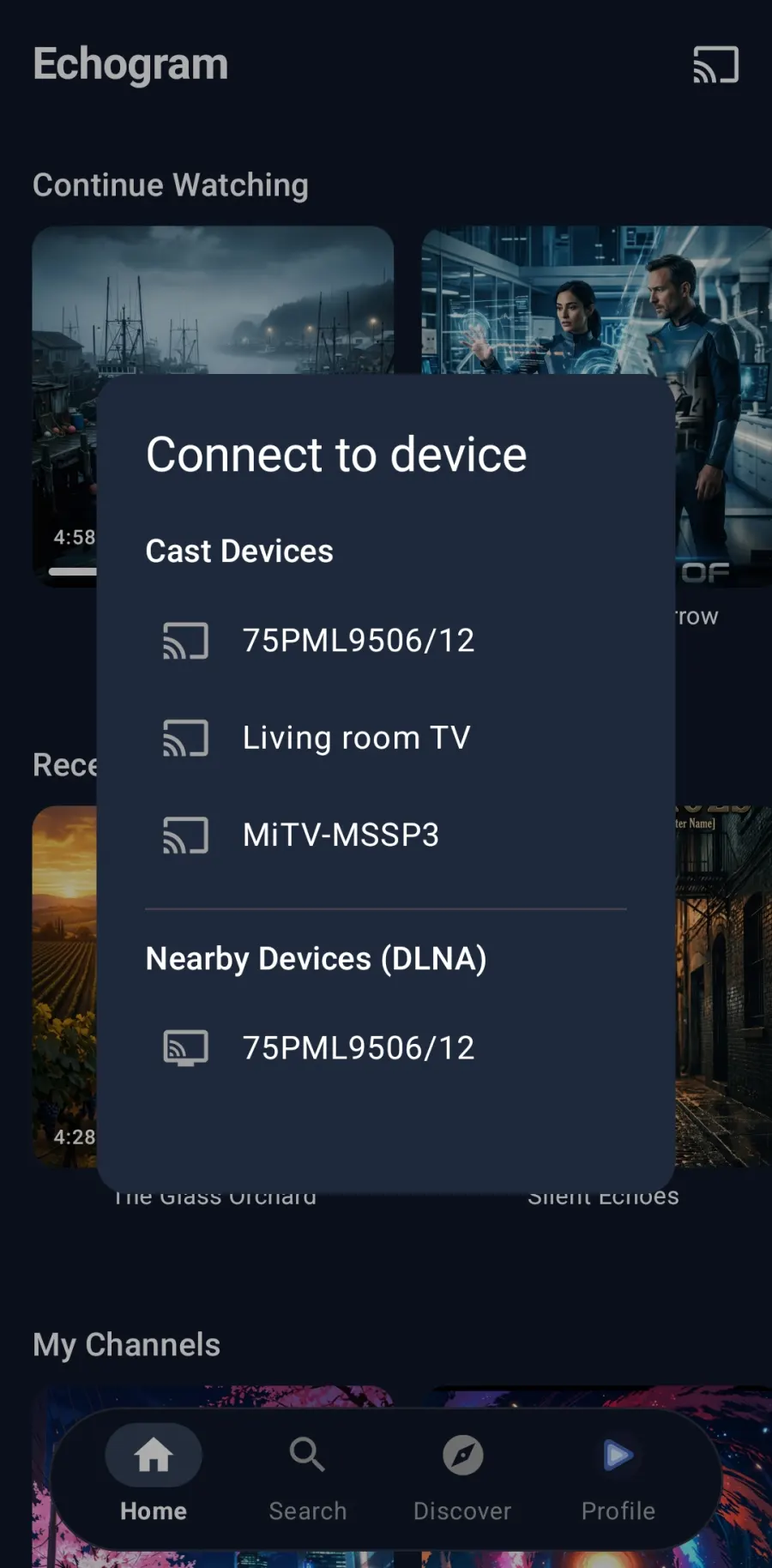
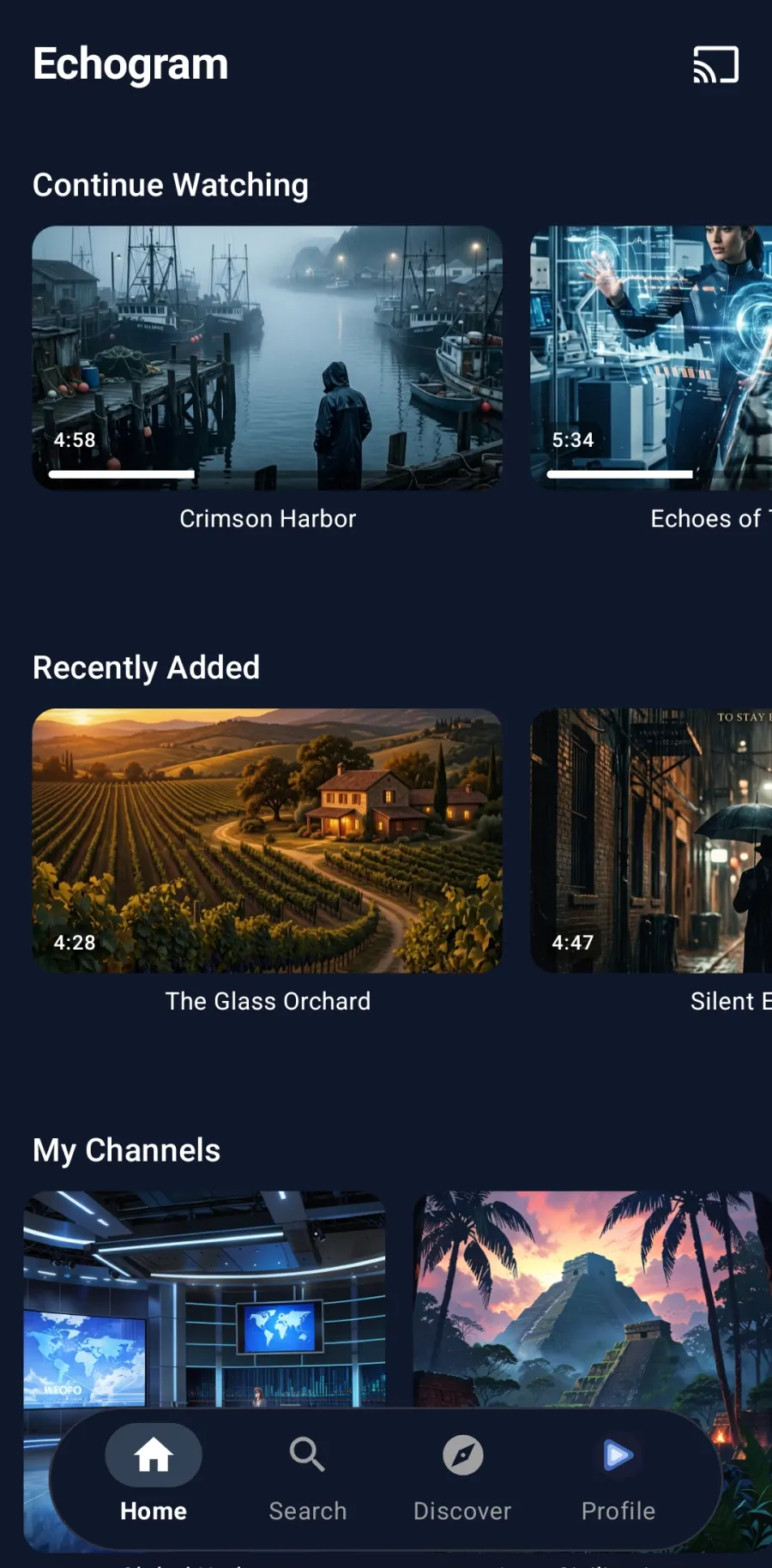
Echogram Connect to device sheet listing Chromecast and DLNA televisions Echogram home screen on a phone

Cast Telegram videos in five steps

  1. Install Echogram on your phone and sign in with your own Telegram account.
  2. Same Wi-Fi: put your phone and your Chromecast, Google TV or DLNA TV on the same network.
  3. Open the video from the chat, channel, folder or topic that holds it, and start playback.
  4. Tap cast in the player and choose your device from the list.
  5. Control it from your phone: play, pause and seek. Nothing is downloaded to the phone.

What you can cast to

Echogram casts to Chromecast, Chromecast with Google TV, Google TV streamers and DLNA-compatible televisions and receivers, including many Samsung, LG and Sony smart TVs that support DLNA. If you have an Android TV or Fire TV or an Apple TV, you can install Echogram on the TV directly and skip casting altogether.

Why cast with Echogram instead of the Telegram app

The Telegram app's casting is limited and usually wants the file downloaded first. Echogram streams while it casts and clears its cache as it goes, so a large MKV never fills your phone, and your playback position stays in sync if you pick the video back up directly in the app later.

Casting FAQ

Can you cast Telegram videos to a Chromecast?

The Telegram app has limited casting. Echogram adds casting: open a video from your Telegram chats or channels, tap the cast icon, and send it to a Chromecast, Google TV or DLNA television on the same Wi-Fi network.

Does casting download the video to my phone first?

No. Echogram streams the video while casting and clears its cache afterwards, so even multi-gigabyte MKV files do not fill up your phone.

Which TVs and devices can Echogram cast to?

Chromecast, Chromecast with Google TV, Google TV devices and DLNA-compatible televisions and receivers. On Android TV, Fire TV and Apple TV you can install Echogram directly instead of casting.

Do subtitles and audio tracks work while casting?

Subtitles that are already part of the video (open subtitles) will show. Switching between embedded audio tracks or choosing a separate subtitle track is not supported yet while casting, those controls are only available when playing a video directly in the app.