EchoGram Icon

EchoGram

Watch Telegram videos on your TV or mobile without downloading. EchoGram delivers a native, hardware-accelerated video player experience for your Telegram media—featuring direct MKV playback, extensive subtitle support, and one-tap casting to Android TV and FireOS devices.

Download on Google Play Available on Amazon Appstore
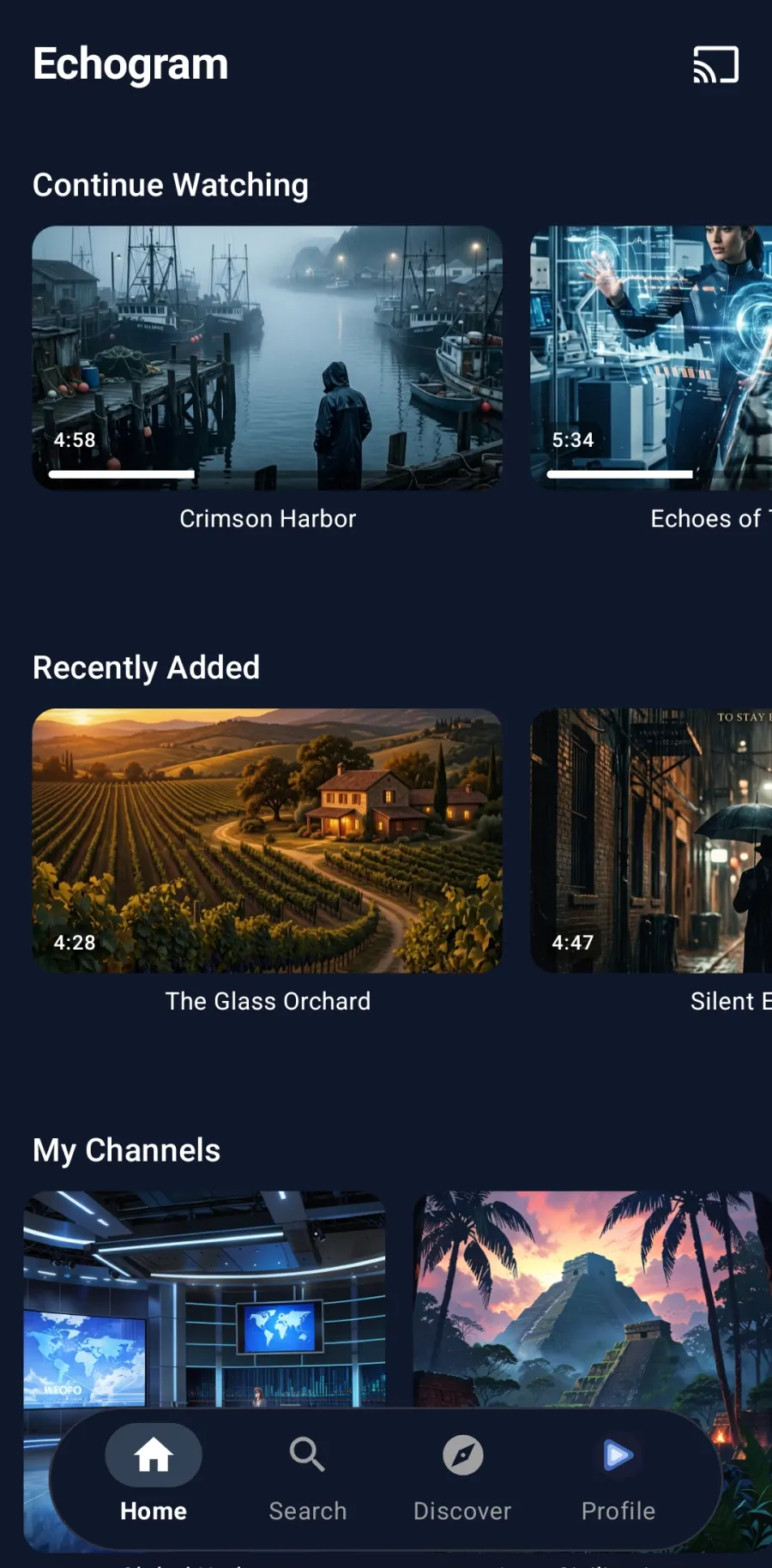
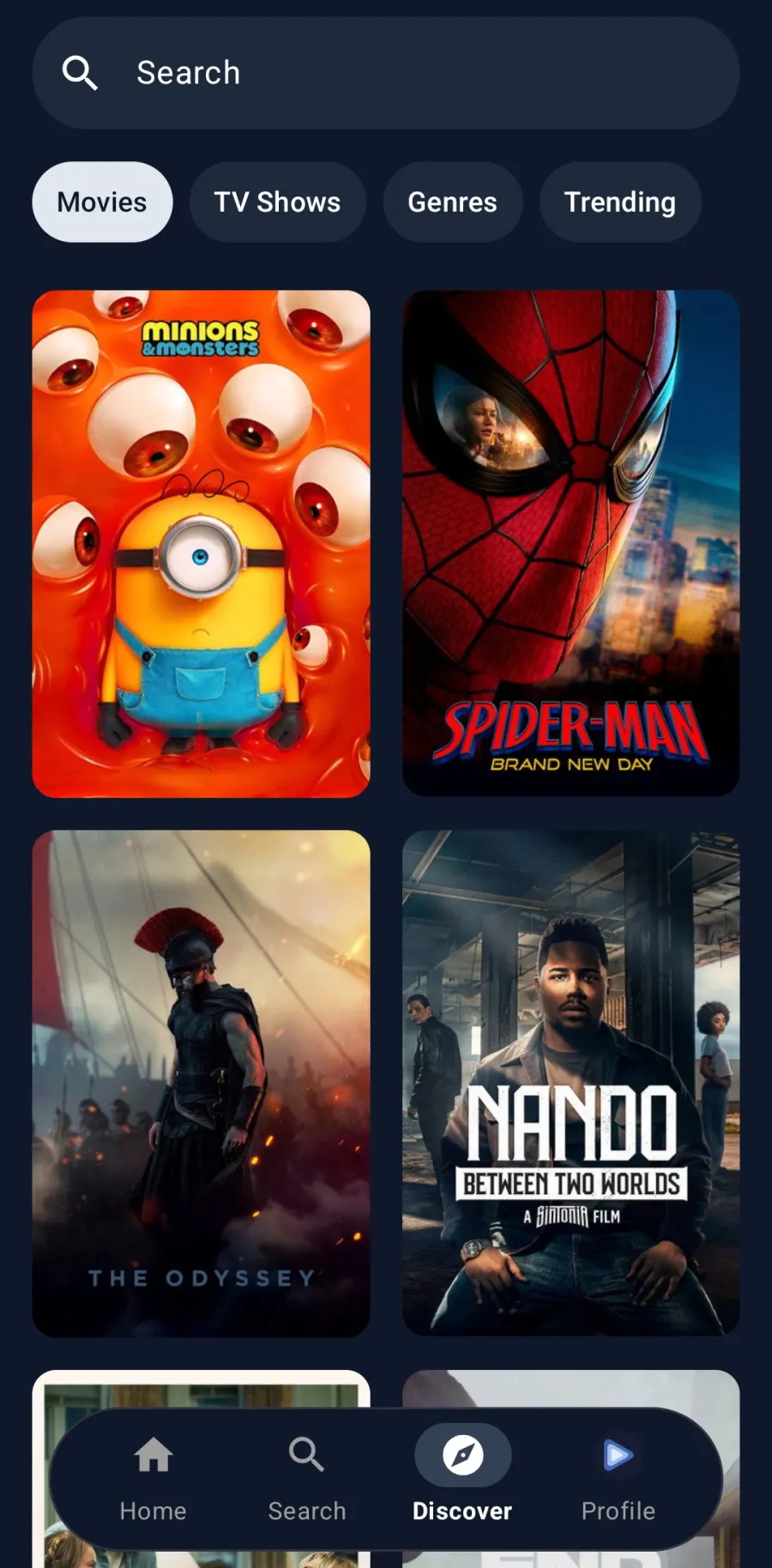
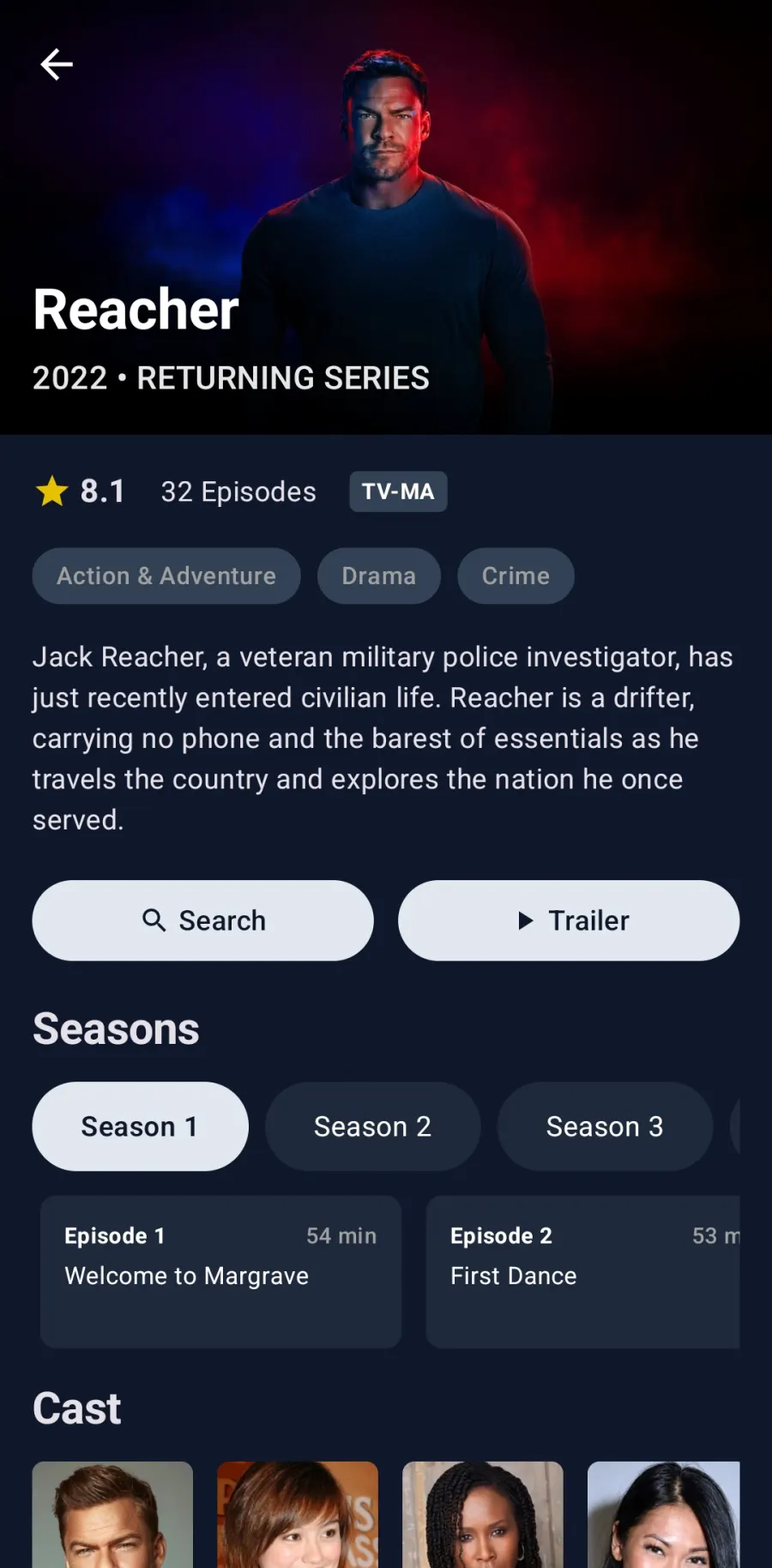
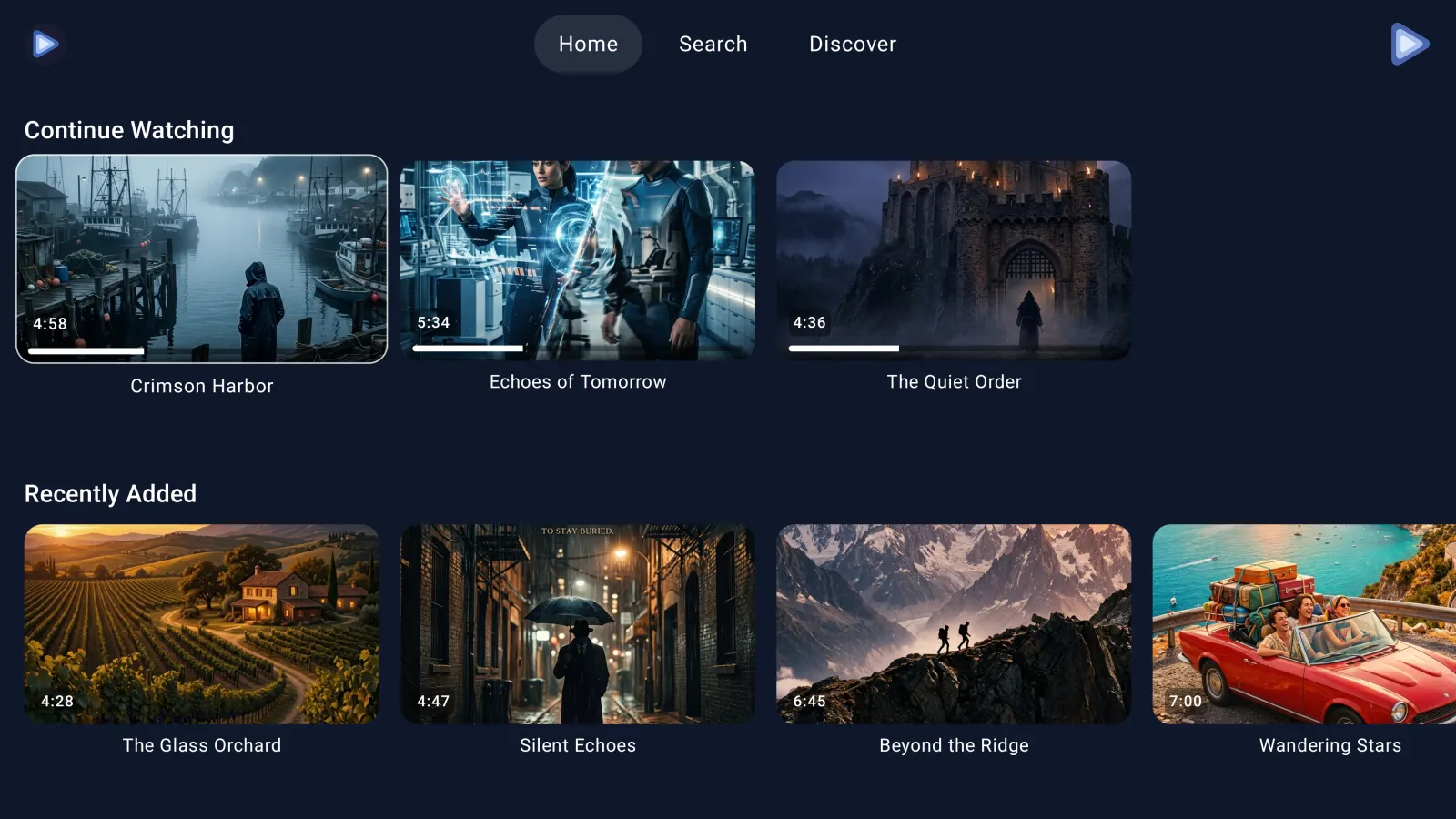
EchoGram TV Interface EchoGram Mobile Interface

What is EchoGram?

EchoGram is a specialized, high-performance multimedia application designed to seamlessly integrate with your Telegram account. Using the official Telegram API, it transforms your existing chats, channels, and folders into a beautifully organized streaming platform. Whether you want to cast Telegram videos to your living room TV, play large MKV files natively, or simply save device storage by streaming instead of downloading, EchoGram provides the premium video player experience you need.

Why EchoGram?

A fast, sleek video player explicitly geared towards Telegram content, offering native hardware acceleration across any device—Android, Android TV, iOS, and Apple TV.

📺

Universal Playback

Can play most videos on almost any device, from your mobile phone to your Android TV.

Smart Streaming

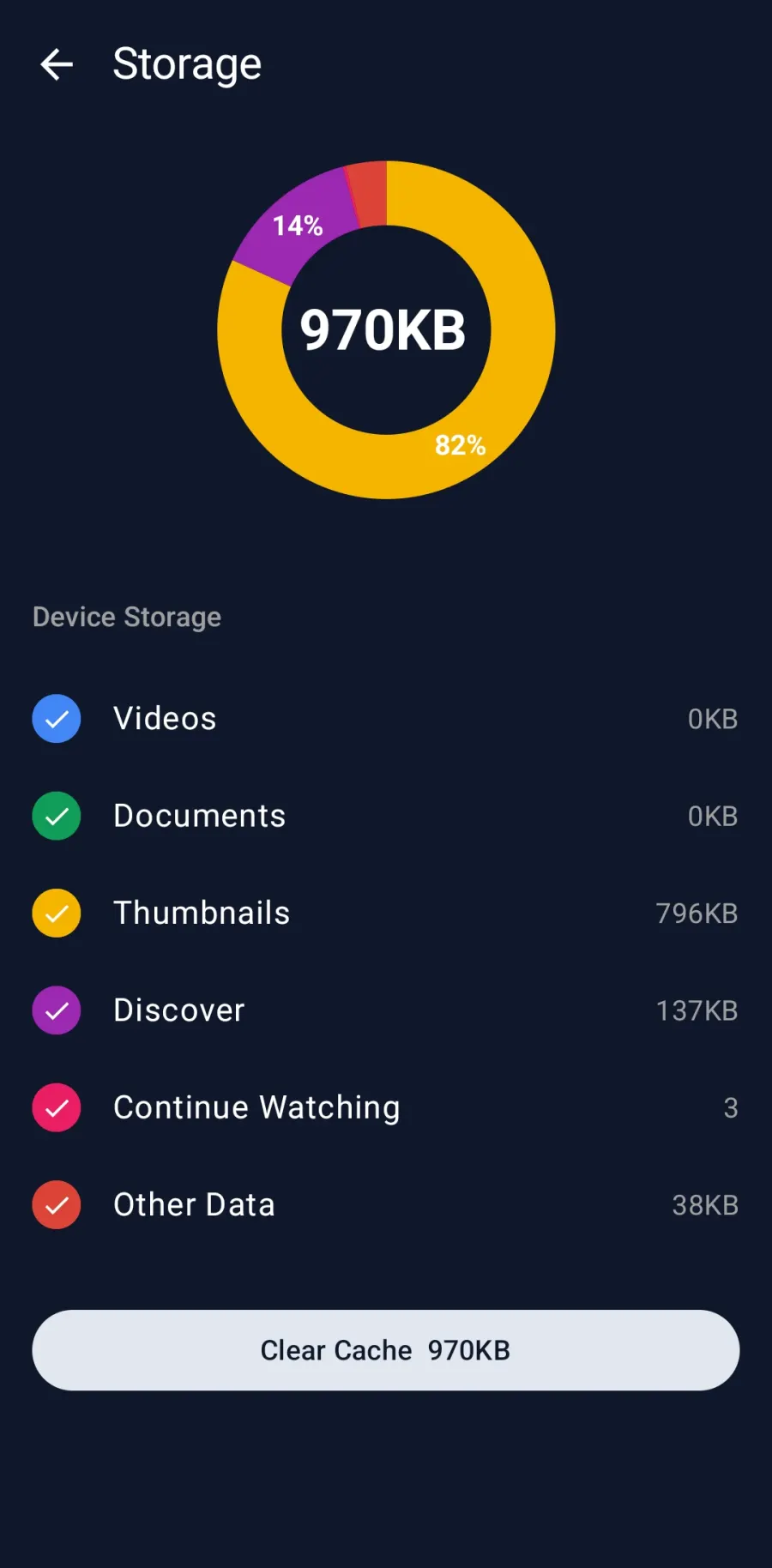
Play big size videos on low storage devices thanks to our sophisticated caching and cleanup mechanism.

🎞️

MKV & Subtitles

Direct MKV playback with full subtitle support and audio track manipulation.

📁

Telegram Integration

Full integration with your Telegram chats: easily browse folders, topics, and perform advanced searches.

⏯️

Resume Anywhere

Pick up videos right where you left off, even when switching between your phone, tablet, or TV.

🔒

Private Locally

Your media stays completely private to your device. We do not collect or store your data.

Media Organization

Browse Like a Pro

EchoGram seamlessly integrates with your existing Telegram structure. Navigate your chats, channels, folders, and custom topics visually. Say goodbye to mindless scrolling and find the exact video you want to watch in seconds.

Resume Playback Across Devices

Resume Where You Left Off

Switch between your phone, tablet, and TV without losing your place. EchoGram automatically remembers your playback position across devices, so you can start watching on your commute and finish on your couch—effortlessly.

Subtitle and Casting Options

Subtitles & Casting

Watch content your way. EchoGram lets you select embedded audio tracks and tweak subtitle appearance extensively. When you want a bigger screen, cast directly to your Google Cast or DLNA TV with a single tap.

Frequently Asked Questions

Can I watch Telegram videos on Android TV or Fire TV?

Yes, EchoGram is fully compatible with Android TV and FireOS. It provides a native, hardware-accelerated playback experience optimized for large screens and remote control navigation.

Does EchoGram download videos to my phone?

No. EchoGram uses a sophisticated caching and cleanup mechanism to stream large Telegram videos without permanently filling up your device's storage. It's perfect for devices with limited space.

Is it safe to log into EchoGram?

Yes. EchoGram uses the official Telegram API for login and fully respects your Two-Factor Authentication (2FA). Your account credentials and media remain completely private on your device and are never sent to external servers.

Does EchoGram support MKV and custom subtitles?

Absolutely. Unlike the standard Telegram app, EchoGram acts as a fully featured media player. You can play MKV files directly, switch between multiple embedded audio tracks, and customize subtitle appearance extensively.